
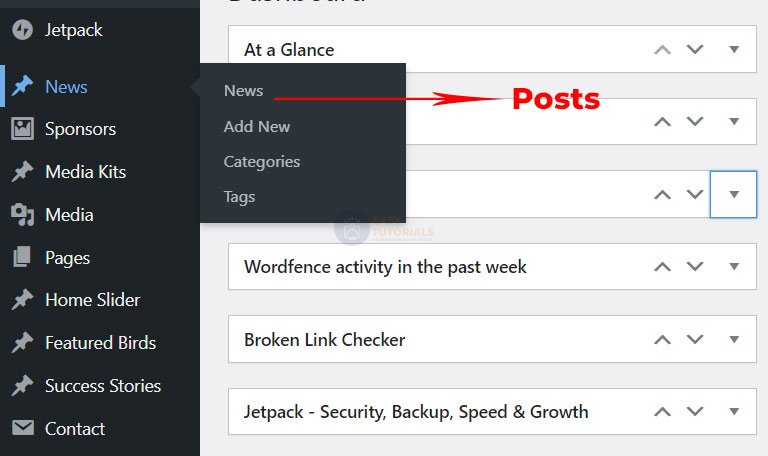
You can rename admin menu items. 100% working solutions
function change_post_menu_label() {
    global $menu;
    global $submenu;
    $menu[5][0] = 'News';
    $submenu['edit.php'][5][0] = 'News';
    $submenu['edit.php'][10][0] = 'Add New';
    $submenu['edit.php'][15][0] = 'Categories';
    $submenu['edit.php'][16][0] = 'Tags';
    echo '';
}

function change_post_object_label() {
        global $wp_post_types;
        $labels = &$wp_post_types['post']->labels;
        $labels->name = 'News';
        $labels->singular_name = 'News';
        $labels->add_new = 'Add New';
        $labels->add_new_item = 'Add New';
        $labels->edit_item = 'Edit News';
        $labels->new_item = 'News';
        $labels->view_item = 'View News';
        $labels->search_items = 'Search News';
        $labels->not_found = 'No News found';
        $labels->not_found_in_trash = 'No News found in Trash';
    }
    add_action( 'init', 'change_post_object_label' );
    add_action( 'admin_menu', 'change_post_menu_label' );