
The section element combines related pieces of information in an html document by grouping them. For example, a section might include a set of tabs per page, news grouped by category, and so on.
Each section element must be identified with an h1-h6 heading.
At the same time, the section element can contain several article elements, grouping them, and one article element can contain several section elements.
<!DOCTYPE html>
<html lang="en">

<head>
    <meta charset="UTF-8">
    <meta http-equiv="X-UA-Compatible" content="IE=edge">
    <meta name="viewport" content="width=device-width, initial-scale=1.0">
    <title>Section in HTML5</title>
</head>


<body>
    <section id="top">
        <h2>Content</h2>
        <p>Lorem ipsum dolor sit amet, consectetuer adipiscing elit, sed diam nonummy nibh
            euismod tincidunt ut laoreet dolore magna aliquam erat ...</p>
    </section>
    <section id="middle">
        <h3>Articles</h3>
        <article>
            <h4>Articles 1</h4>
            <p>Norm article</p>
        </article>
        <article>
            <h4>Articles 2</h4>
            <p>I didn't like it...</p>
        </article>
        <article>
            <h4>Articles 3</h4>
            <p>What is it all about?</p>
        </article>
    </section>
    <section id="bottom">
        <h2>Content</h2>
        <p>Lorem ipsum dolor sit amet, consectetuer adipiscing elit, sed diam nonummy nibh
            euismod tincidunt ut laoreet dolore magna aliquam erat ...</p>
    </section>
</body>

</html>
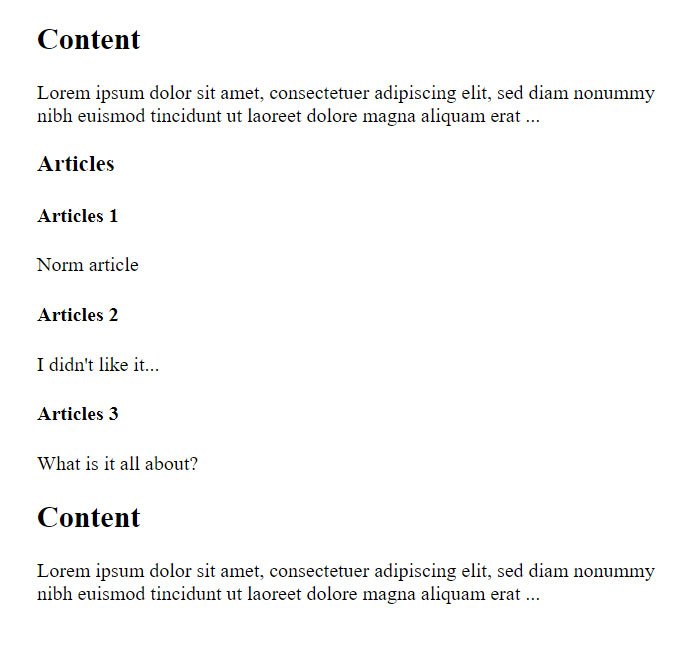
Here, a section is created for the main content block, and a section element is also created for the comment set.